Backing up Atlassian Marketplace Apps
Note: This feature is available as of WikiTraccs v1.31.23
Imagine your Confluence environment being broken so that you have to rebuild it. Or a botched app update that needs to be rolled back. Or you need to rebuild an environment to access a specific backup.
Ideally you have backed up everything in your Confluence environment, including the required apps. But let’s assume not.
You might need to reinstall apps to your Confluence environment
Now imagine going to the Atlassian marketplace to download the right app version - just to find that it is not available anymore.
WikiTraccs helps to prepare for that exact scenario by offering to download all versions of an app from the Atlassian marketplace.
How can apps disappear from the Atlassian marketplace?
Atlassian might decide to remove on-premises apps in their push to the cloud.
Vendors might decide to have apps or app versions removed.
You can already find cases of missing app versions in the marketplace:
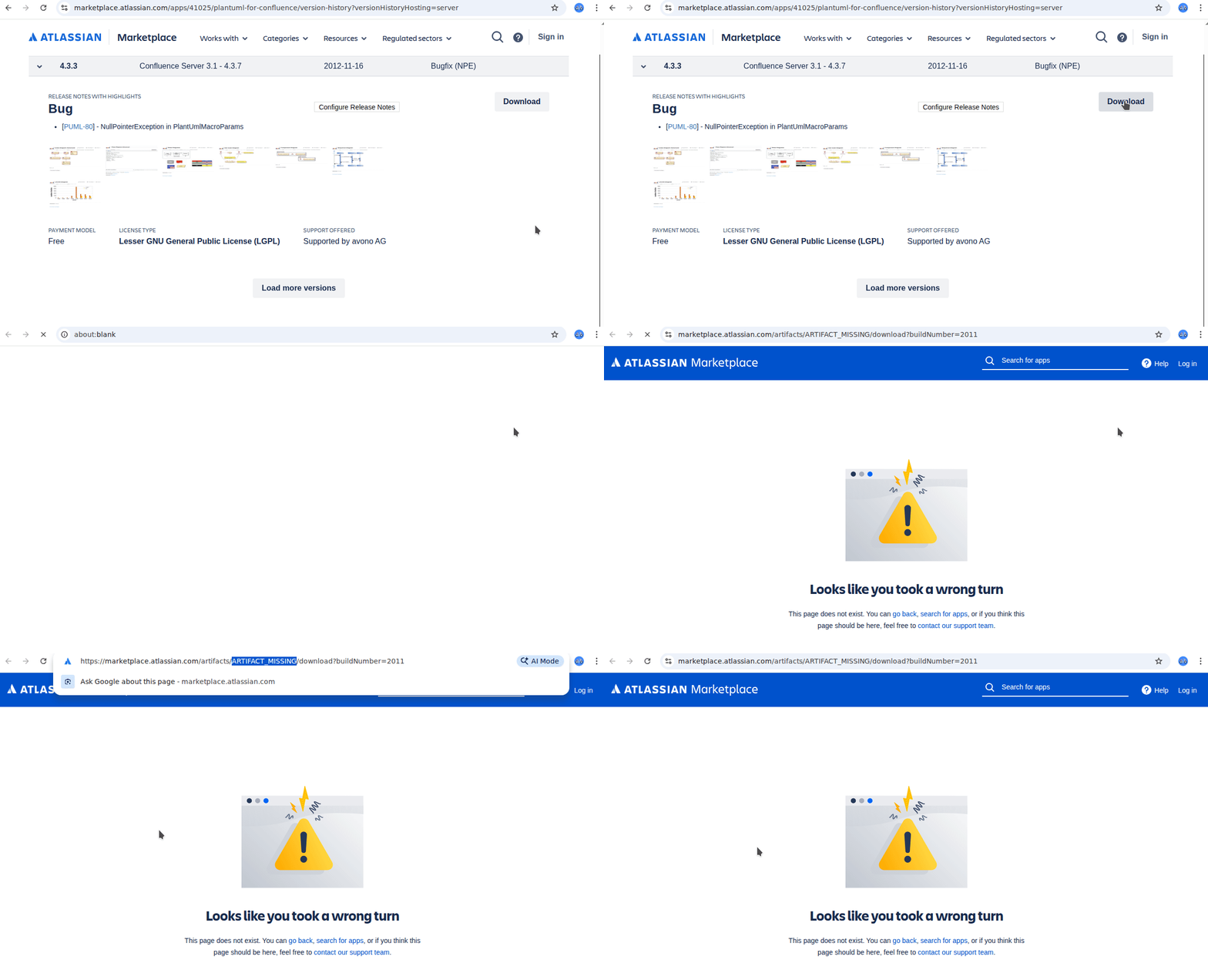
While testing the app backup function of WikiTraccs, I found several cases of missing app versions. When you click the download button in the marketplace, an error page is shown in those cases, and the page address contains MISSING_ARTIFACT.
Not sure if those missing artifacts are deliberate removals, or if that is an error on Atlassian’s side.
How to back up an app from the Atlassian marketplace?
Let’s use PlantUML as an example. Here’s the marketplace link to the Confuence Data Center version: PlantUML for Confluence.
Of course you could manually download all 74 app versions from the app’s Version history page.
But you can now also use WikiTraccs to do that for you a bit faster.
In the WikiTraccs menu bar, click Tools > Back up Atlassian Marketplace Apps.

A dialog opens.
It shows you where downloaded app files will be stored and you can click the path to open the location in a file browser. The path is relative to the configured attachment registry folder path (which you can change in the settings):
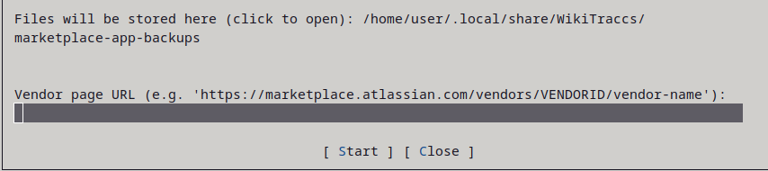
Enter the vendor page URL that you can find in the marketplace by copying the vendor link. For PlantUML the vendor link will be https://marketplace.atlassian.com/vendors/747510/avono-ag:
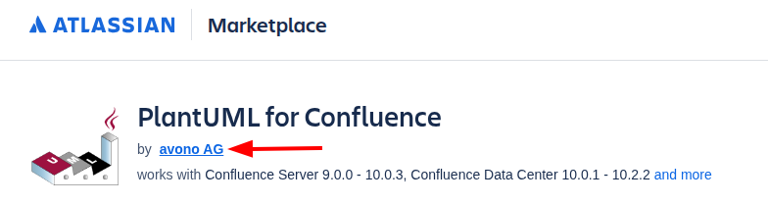
In WikiTraccs, after entering the vendor page URL, click Start to close the dialog and start downloading.
WikiTraccs will now download all apps of that vendor. Currently, there is no way to restrict that to a single app. Also, all Server and Data Center versions are downloaded.
WikiTraccs shows status information about the download:
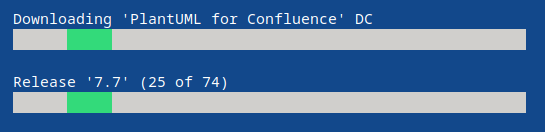
To stop the download, close WikiTraccs. To resume an interrupted download, simply start it again - it will continue downloading where it left off.
Notes
The backup feature may break if Atlassian makes changes to the marketplace.
The backup feature is not polished and primarily designed to get the job done.
WikiTraccs will create .DONE_MARKER files in the download folder to mark apps it downloaded all versions for. When you start a download, it will detect that such a file is present and skip over the app. This also allows you to delete the downloaded app files, for example after copying them to a backup location. The .DONE_MARKER file prevents WikiTraccs from downloading the files again. Delete the .DONE_MARKER file to have WikiTraccs reconsider the app for downloading.