Select Spaces to Inventory
How to select which Confluence spaces to inventory
Use the Space Selector to select spaces to run the inventory scan for, or to update the content count for.
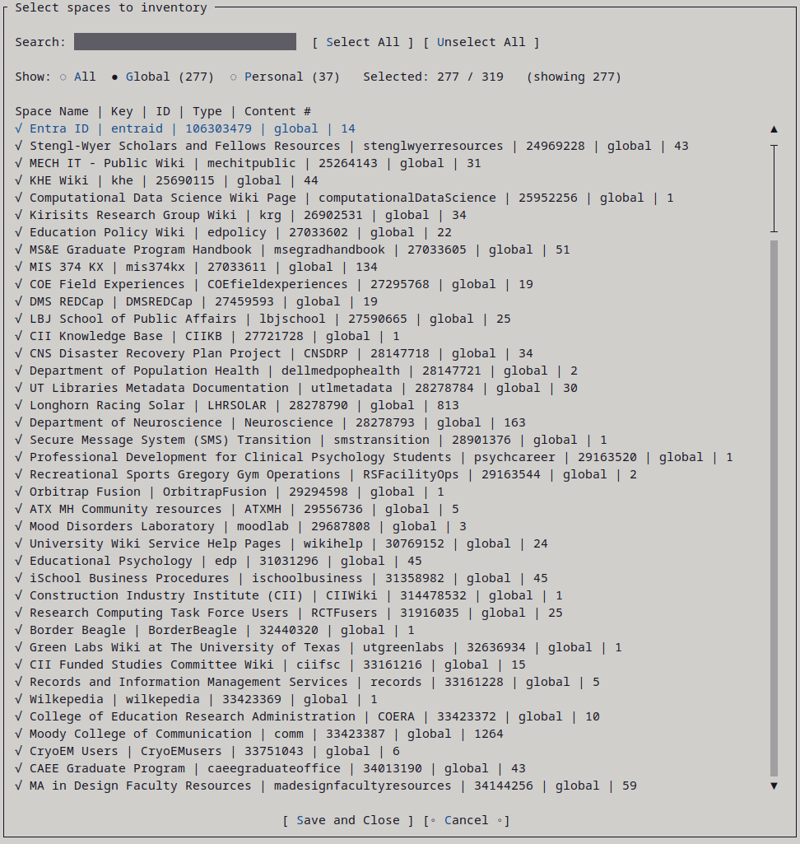
Sample list of spaces from a publicly available Confluence instance.
The dialog shows all spaces that WikiTraccs discovered in Confluence.
For each space the following is shown:
- Space Name
- Space Key
- Space ID
- Space Type
- Content count (excl. attachments), if known
Use the Search box to narrow the list down to spaces matching your search term.
Use the Show All / Global / Personal filter to narrow the space list to those space types.s
Click Select All to select all currently shown spaces. Use Unselect All to unselect all currently shown spaces.
Click Save and Close to confirm and close the dialog.
Last modified February 22, 2026