Buttons and cards
Buttons in the Text web part
WikiTraccs setting off
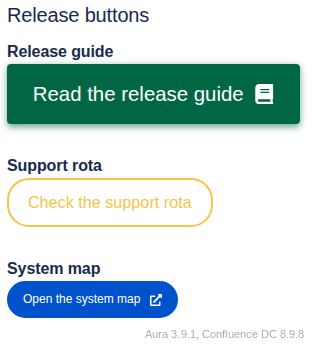
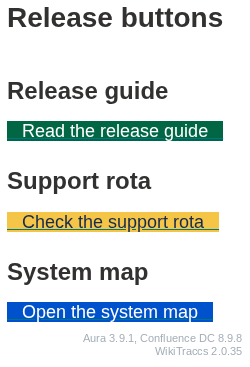
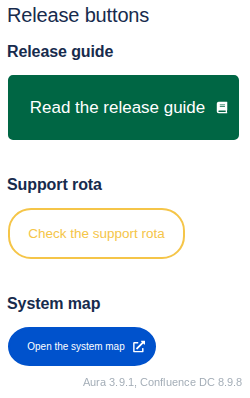
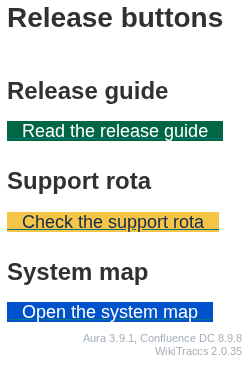
Convert Aura Buttons to web parts is disabled on the Macros tab in the WikiTraccs settings. The buttons become styled links in the SharePoint Text web part. See the result with the setting on.Internal name aura-button, tested on Confluence Data Center 8.9.8
Cards in the Text web part
WikiTraccs settings off
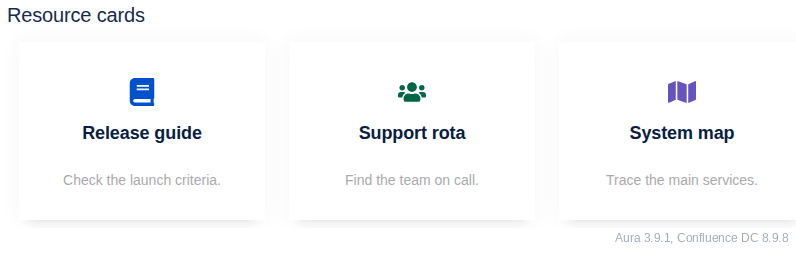
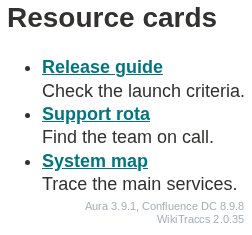
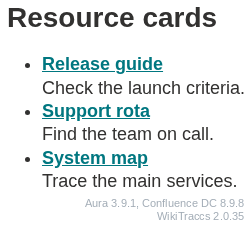
Convert Aura Card collections to web parts and Convert individual Aura Cards to web parts are both disabled on the Macros tab in the WikiTraccs settings. The collection becomes a list in the SharePoint Text web part. See the Quick links result.Internal name aura-cards, tested on Confluence Data Center 8.9.8
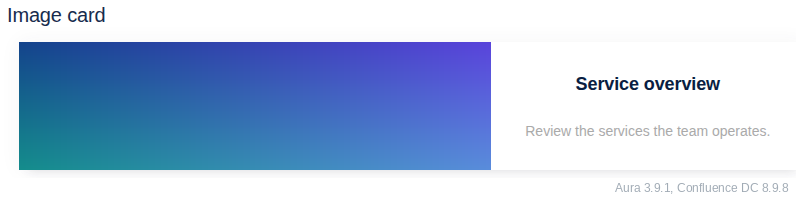
Single image card
WikiTraccs setting on
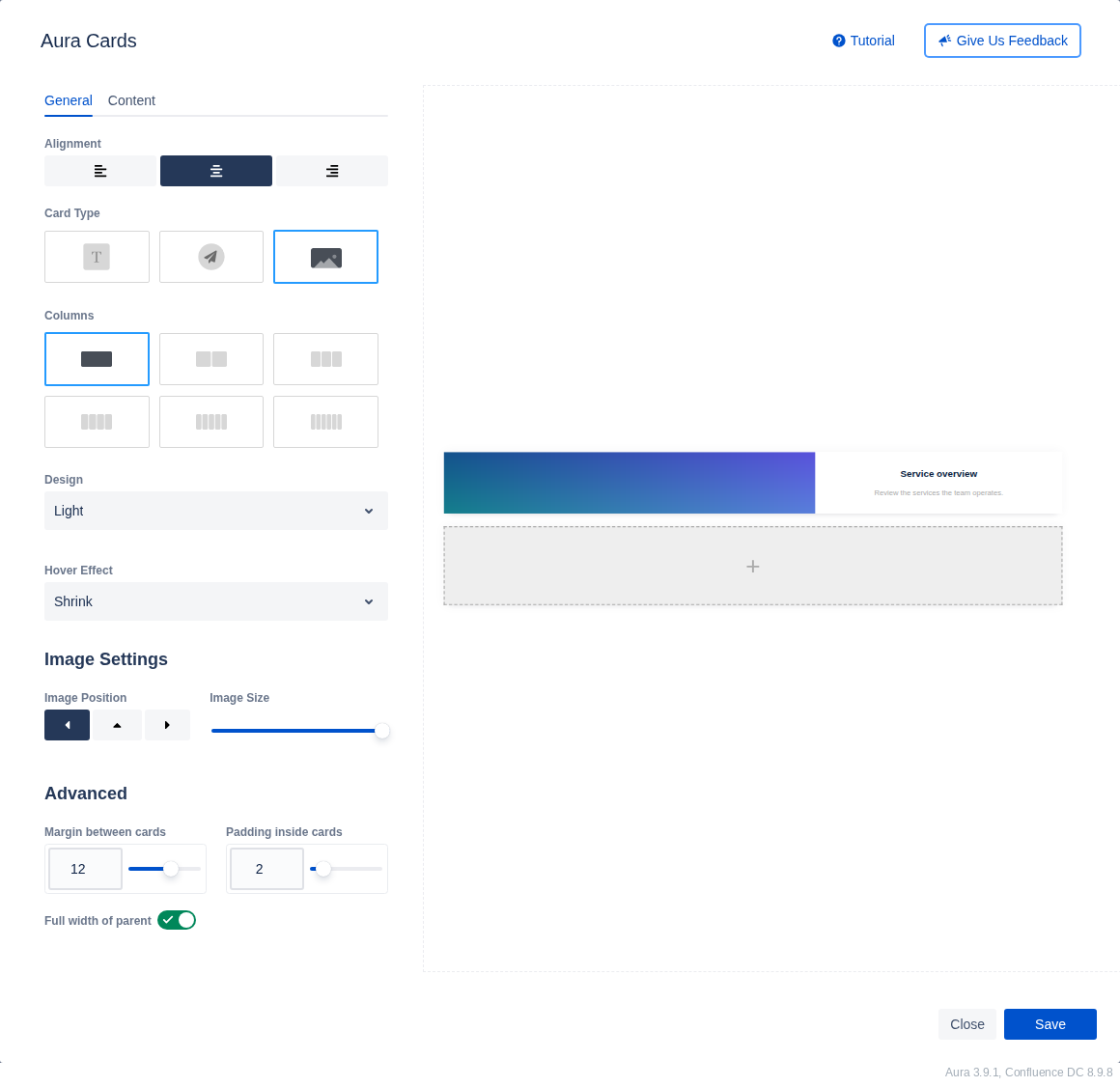
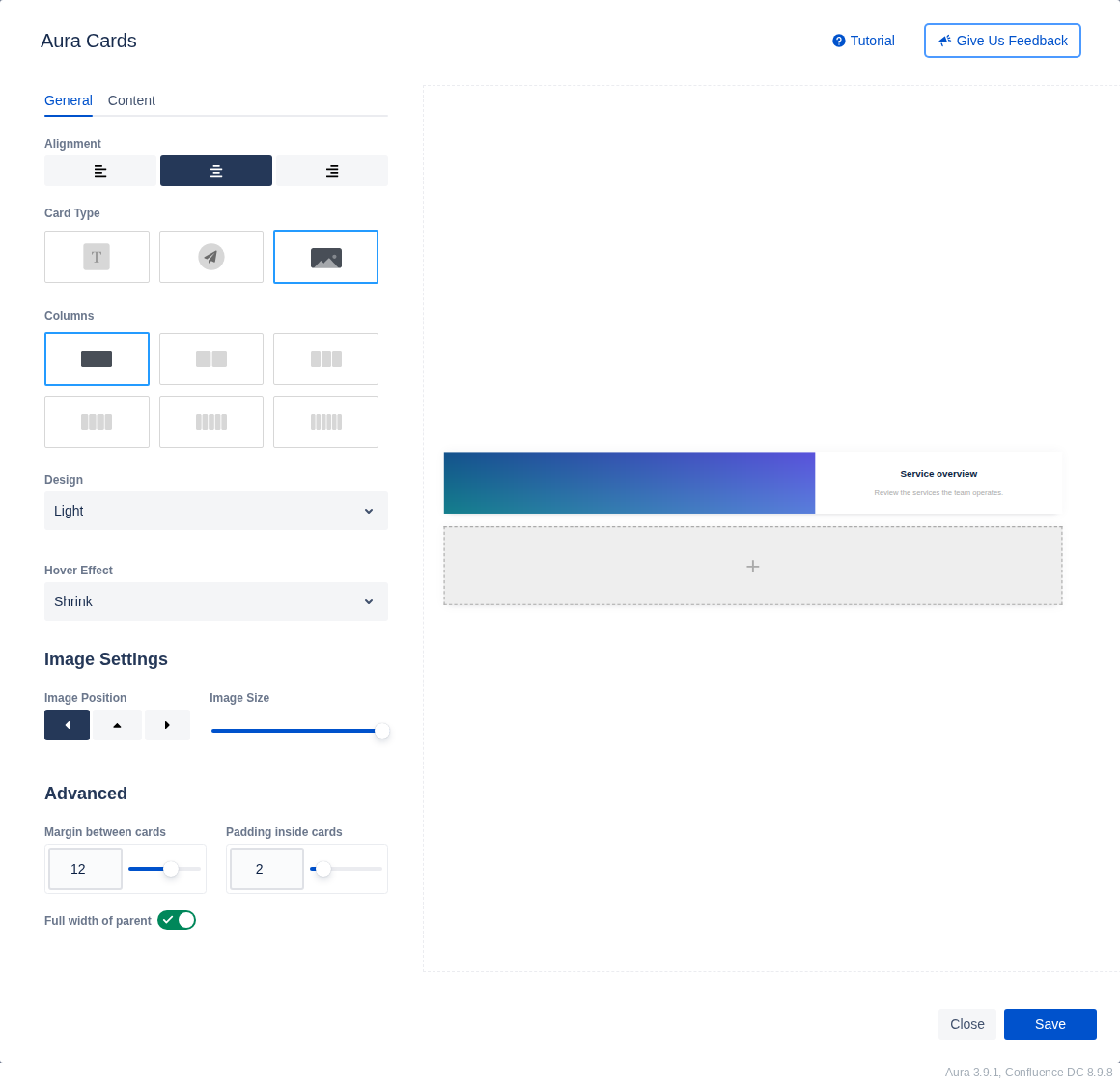
Convert individual Aura Cards to web parts is enabled on the Macros tab in the WikiTraccs settings. The card becomes a SharePoint Editorial card web part. See the same card with web part conversion off.Internal name aura-cards, tested on Confluence Data Center 8.9.8
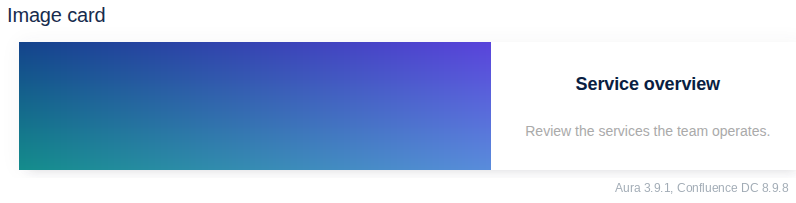
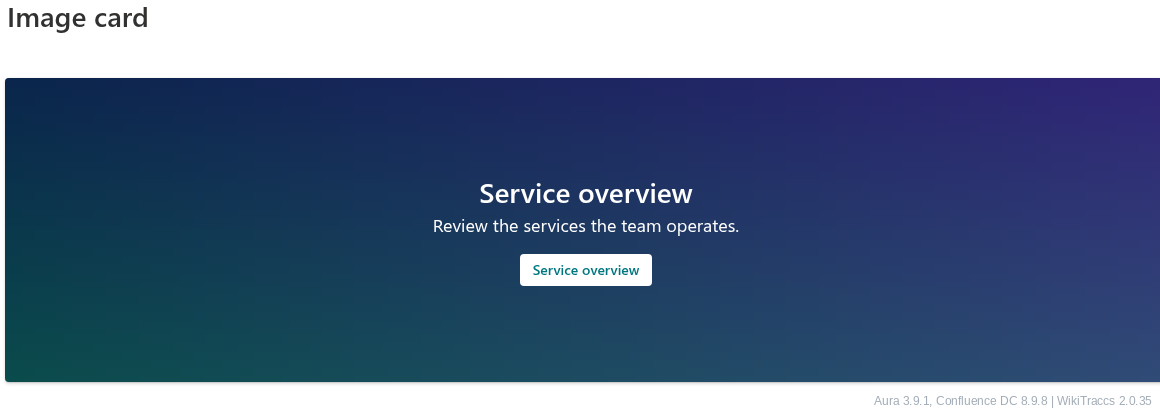
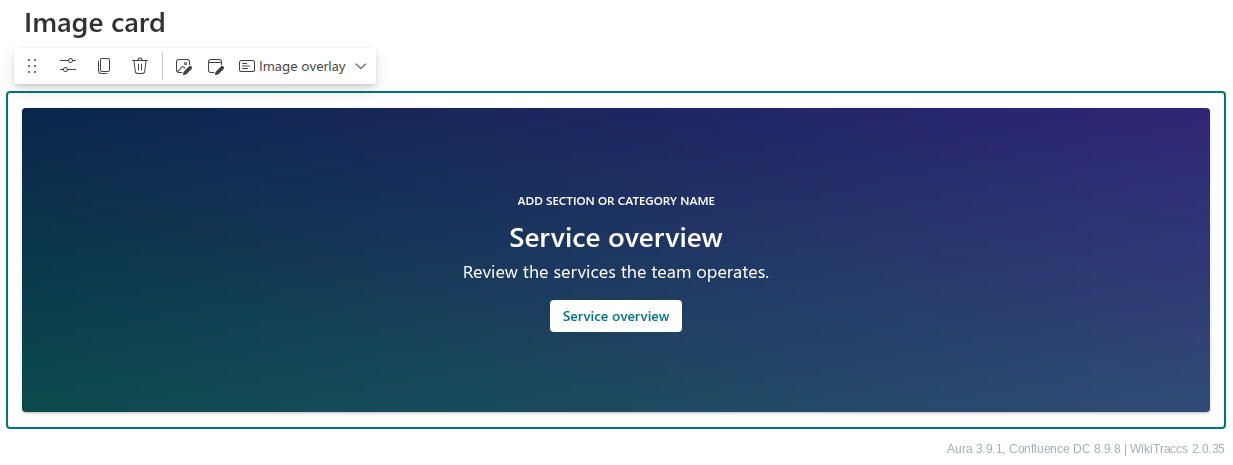
Single image card in the Text web part
WikiTraccs settings off
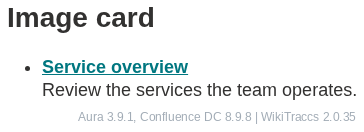
Convert individual Aura Cards to web parts and Convert Aura Card collections to web parts are both disabled on the Macros tab in the WikiTraccs settings. The Text web part shows the card link and description. See the Editorial card result.Internal name aura-cards, tested on Confluence Data Center 8.9.8
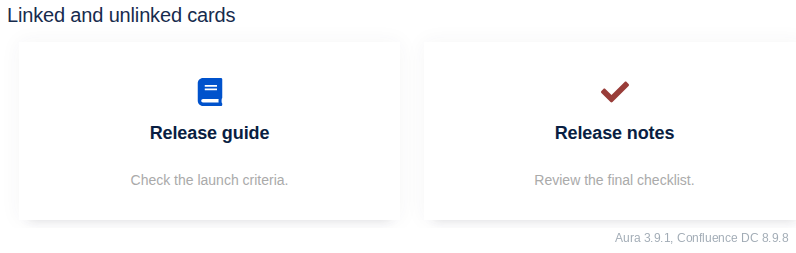
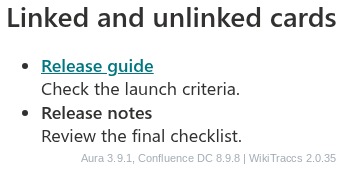
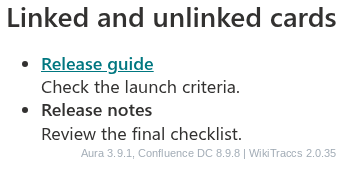
Linked and unlinked cards
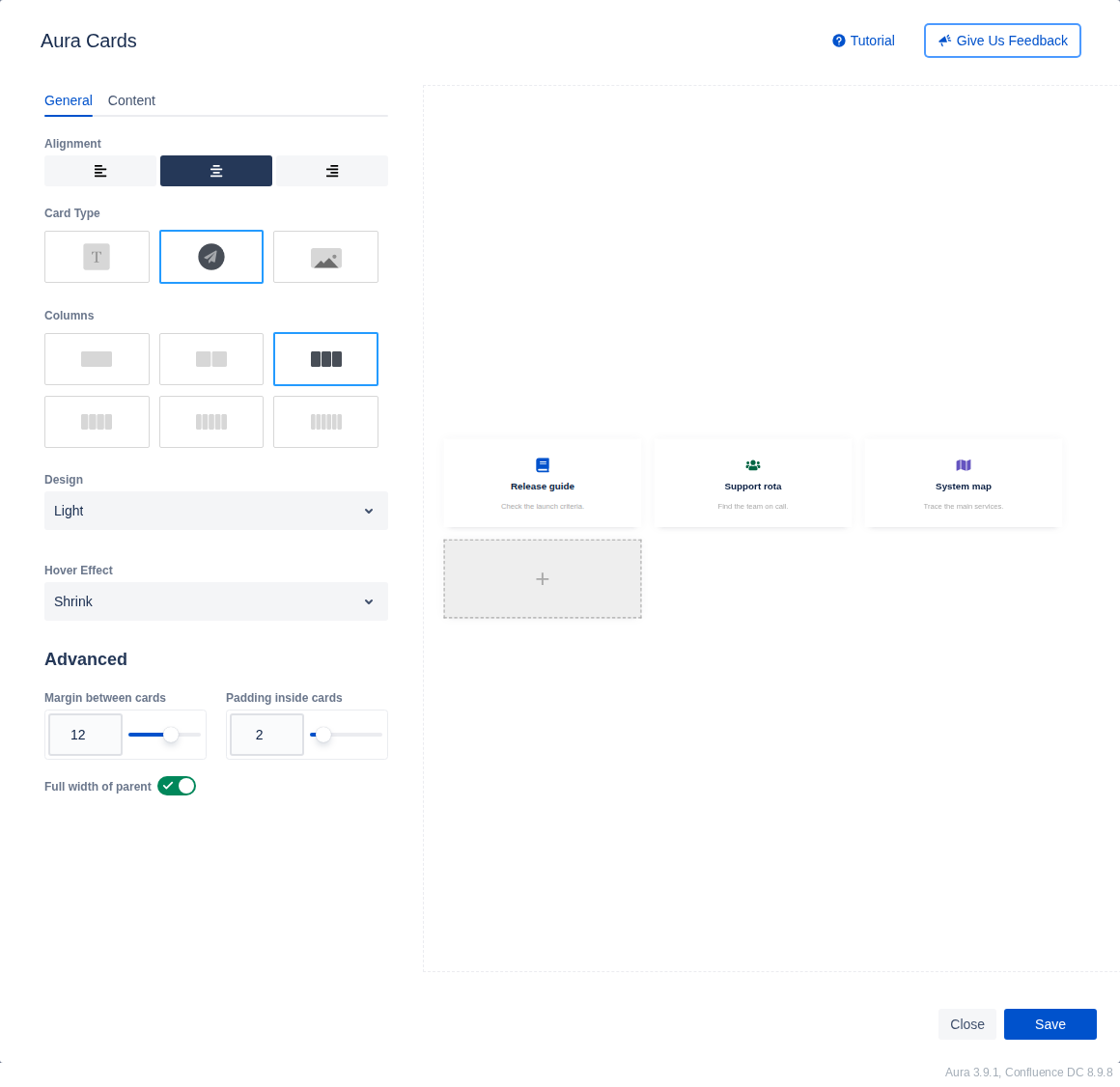
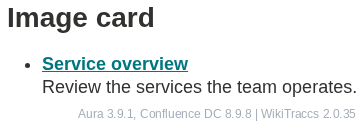
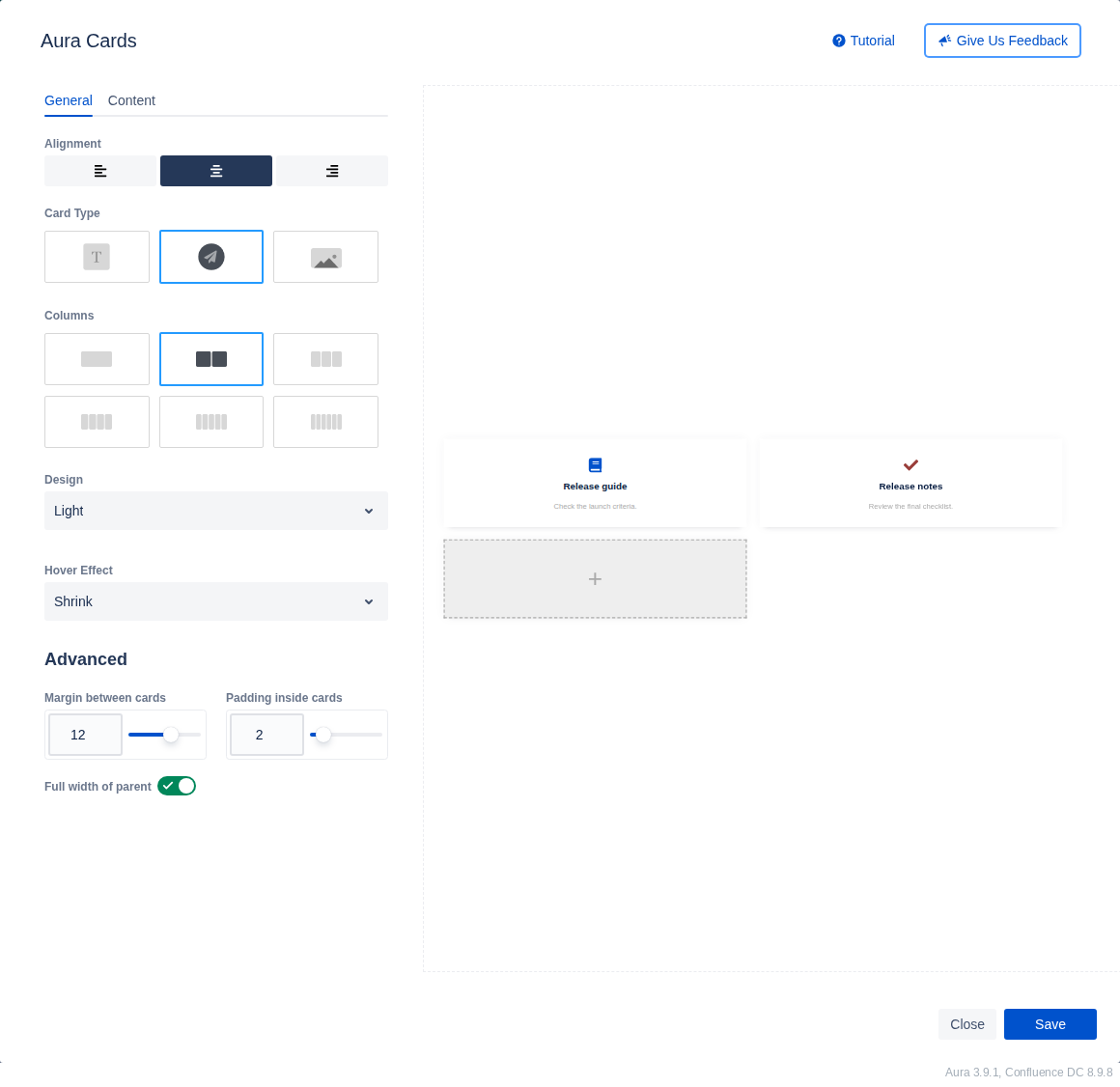
Convert Aura Card collections to web parts is enabled in the WikiTraccs settings. Each card needs a link for Quick links conversion, so this collection becomes a list in the SharePoint Text web part.
Internal name aura-cards, tested on Confluence Data Center 8.9.8
Panels, headings, and images
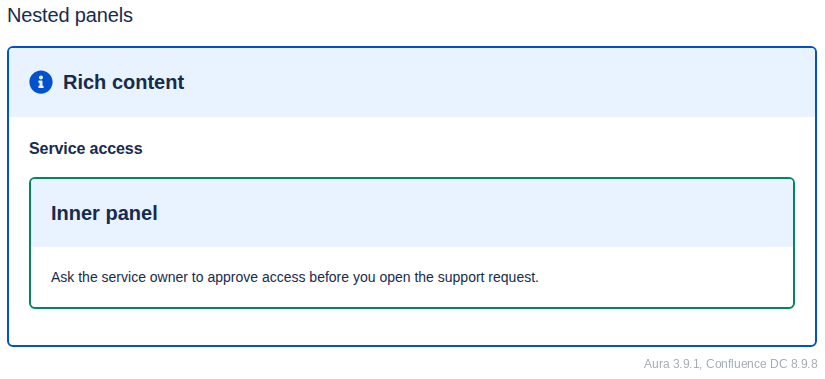
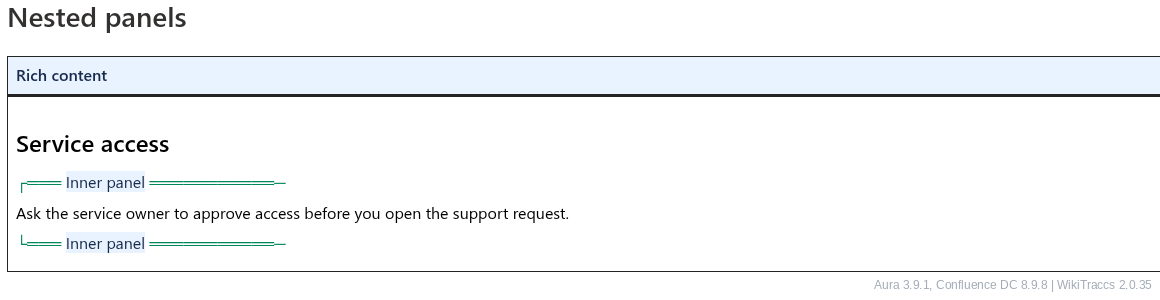
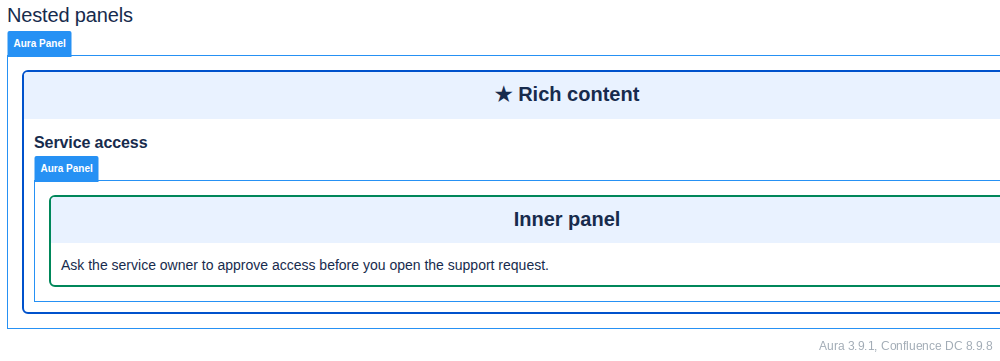
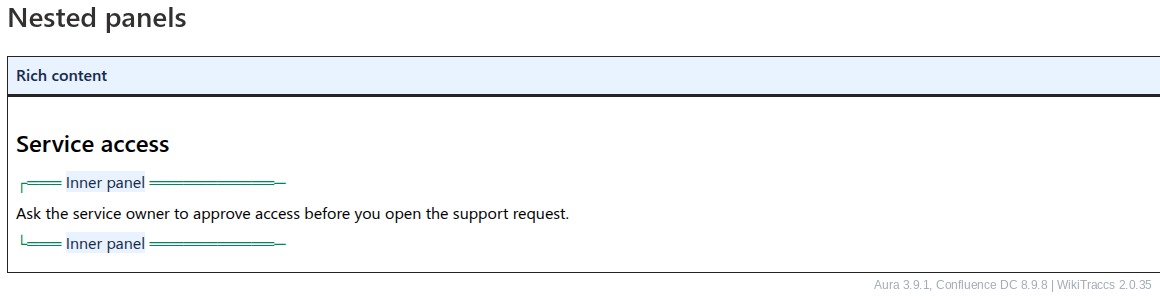
Nested panels
Internal name aura-panel, tested on Confluence Data Center 8.9.8
Heading sizes and alignment
Internal name aura-pretty-title, tested on Confluence Data Center 8.9.8
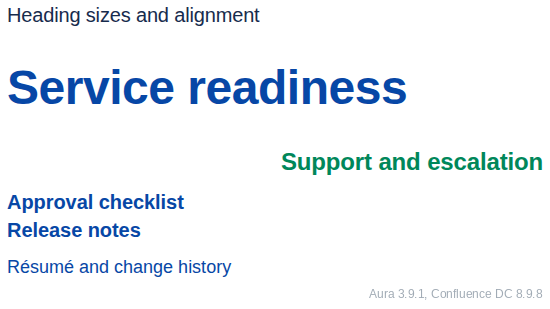
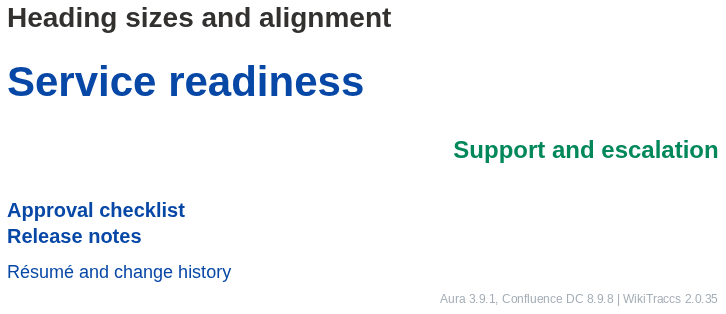
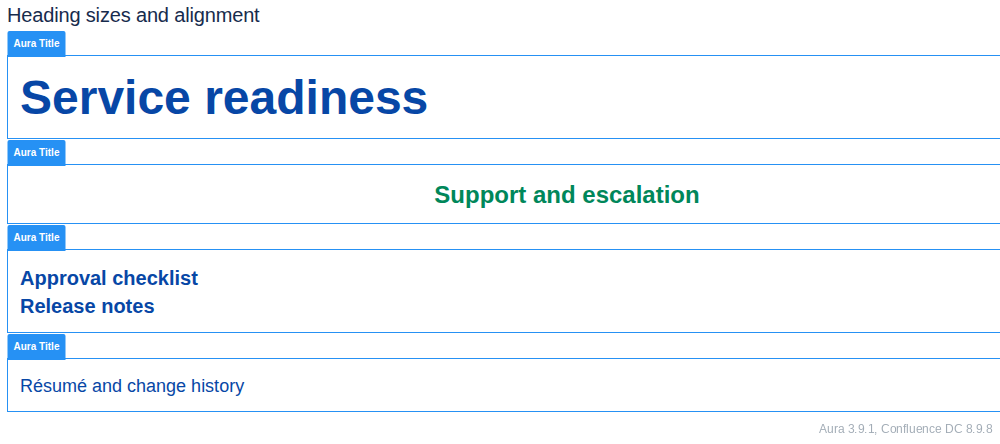
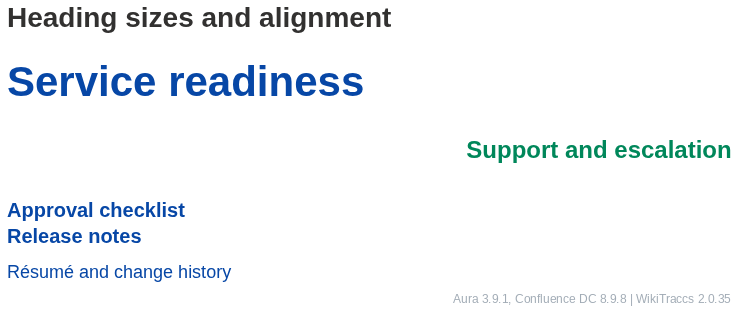
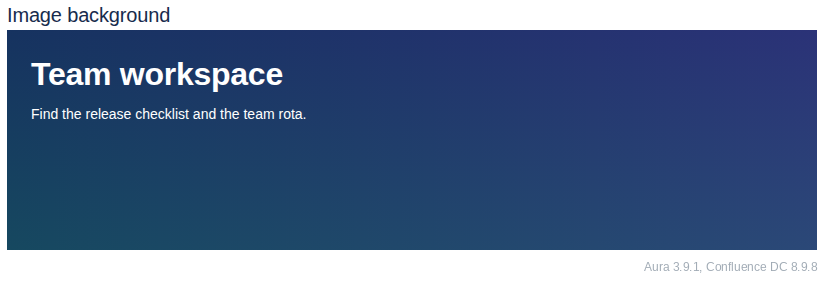
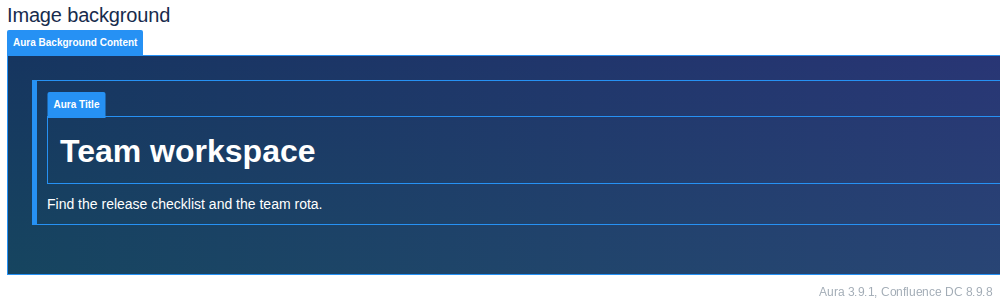
Image background
Internal name aura-background-image, aura-pretty-title, tested on Confluence Data Center 8.9.8


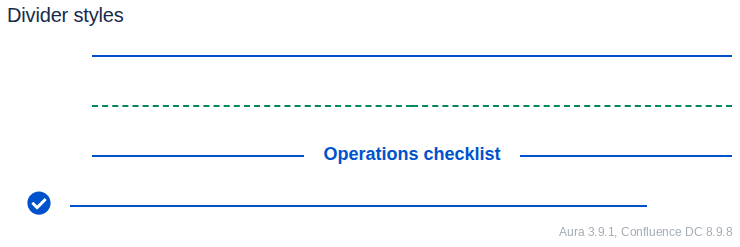
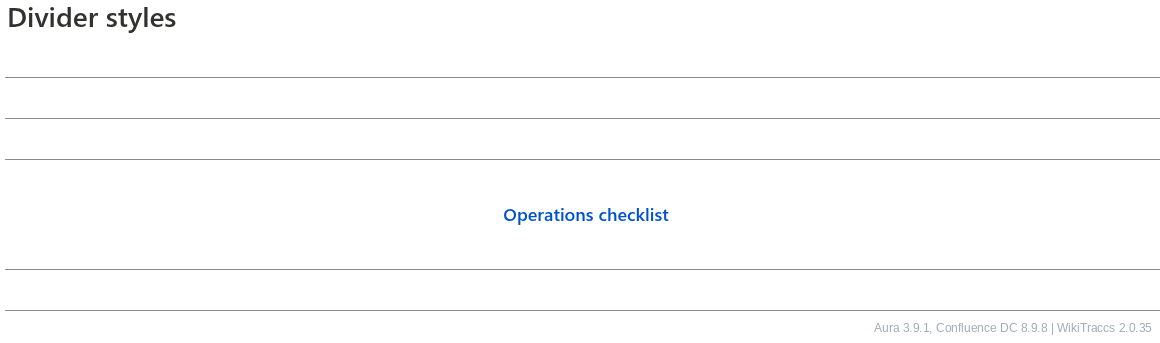
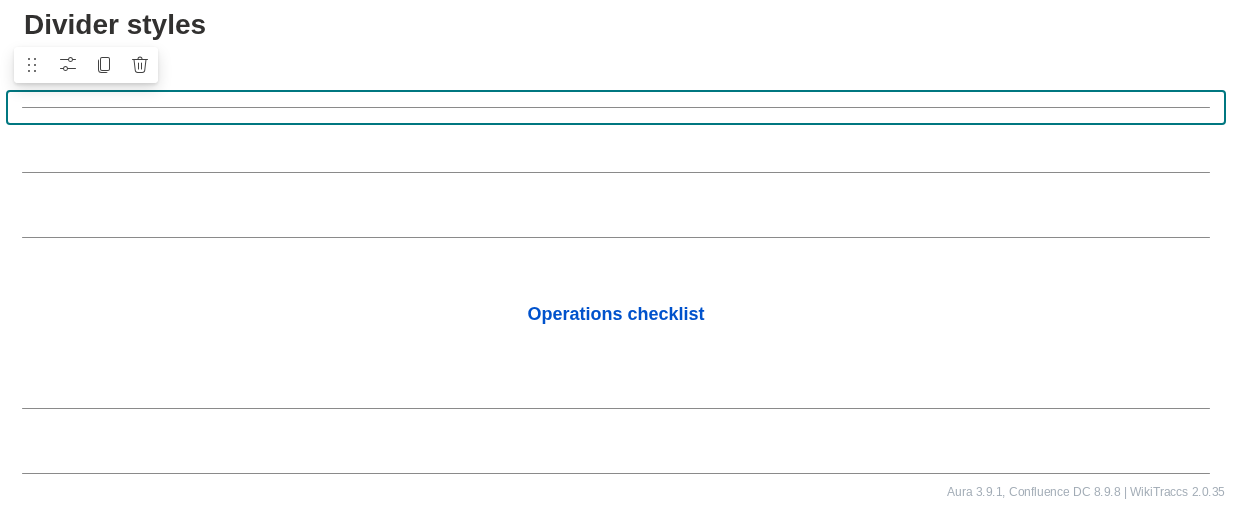
Divider styles
Internal name aura-divider, tested on Confluence Data Center 8.9.8

Tab layouts
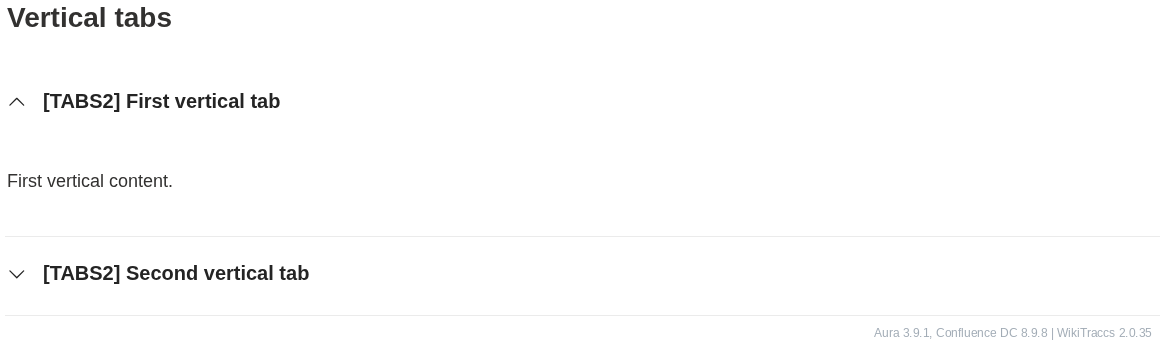
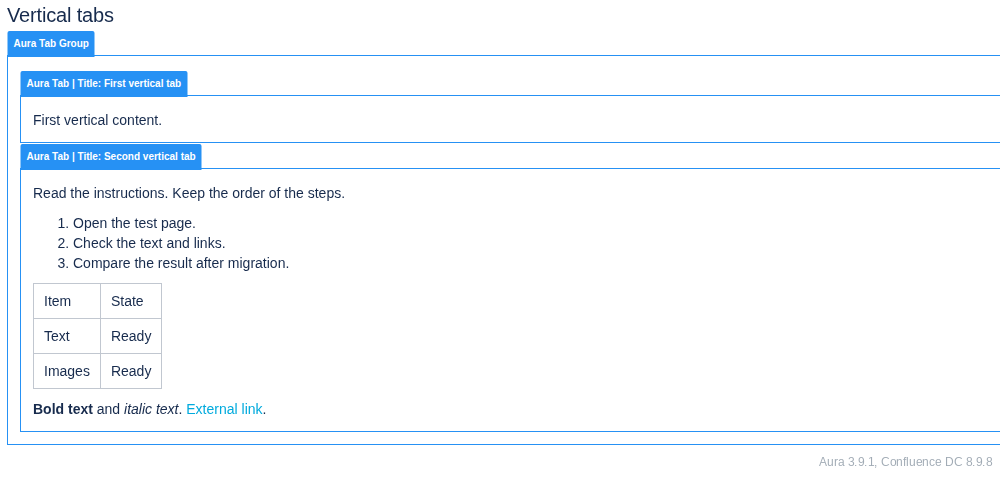
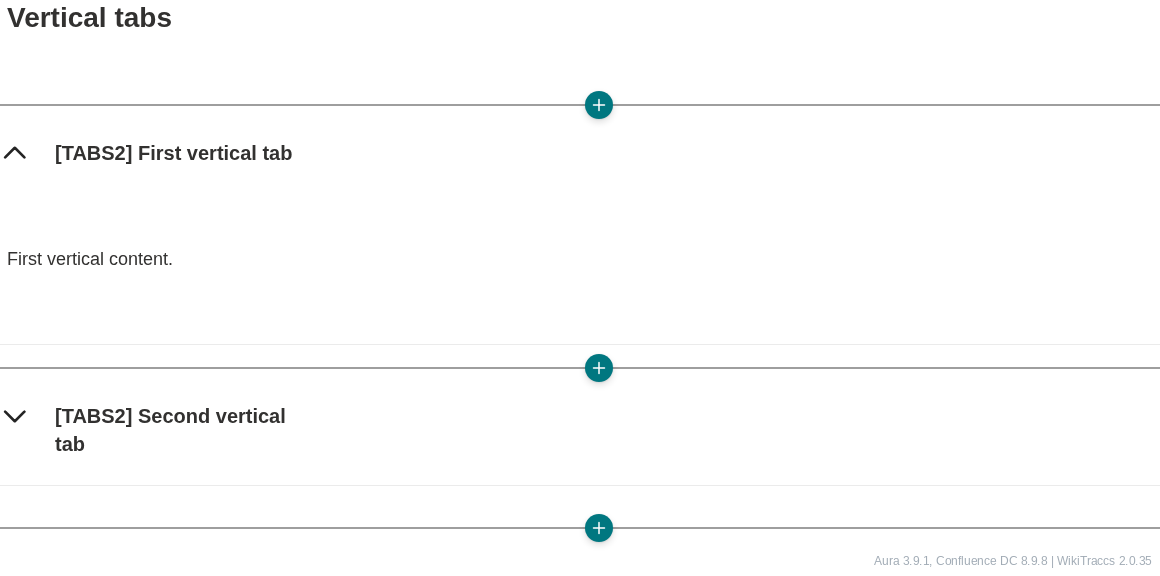
Vertical tabs
Internal name aura-tab-collection, aura-tab, tested on Confluence Data Center 8.9.8

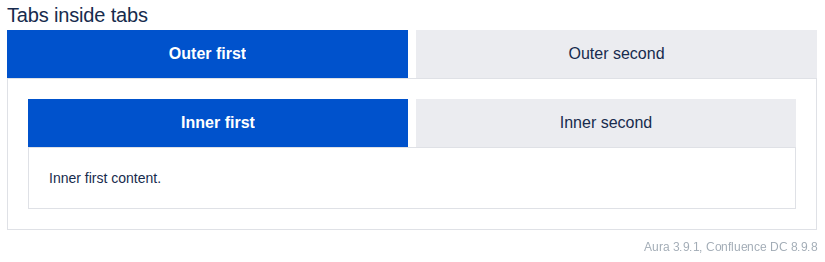
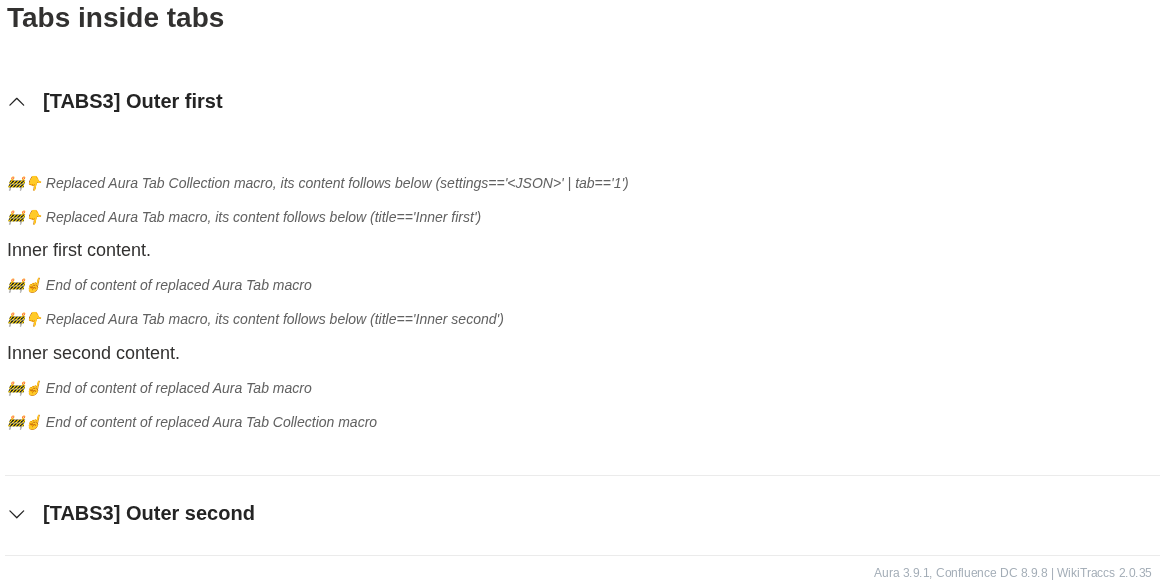
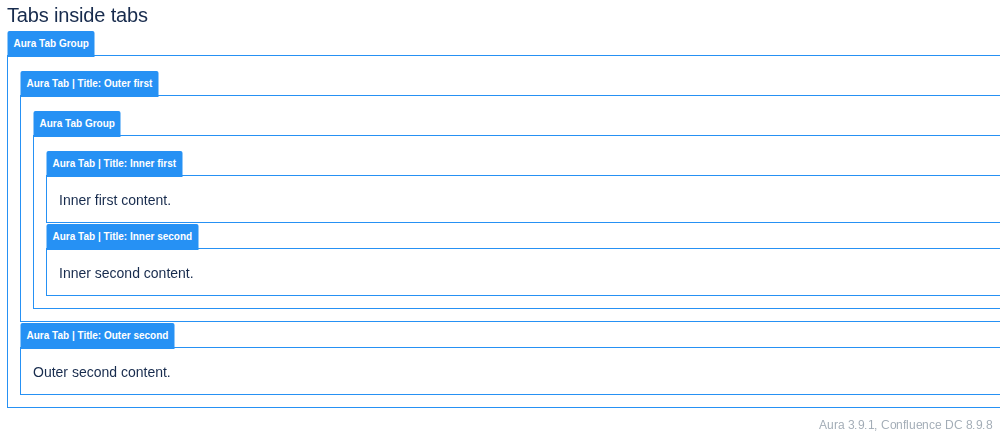
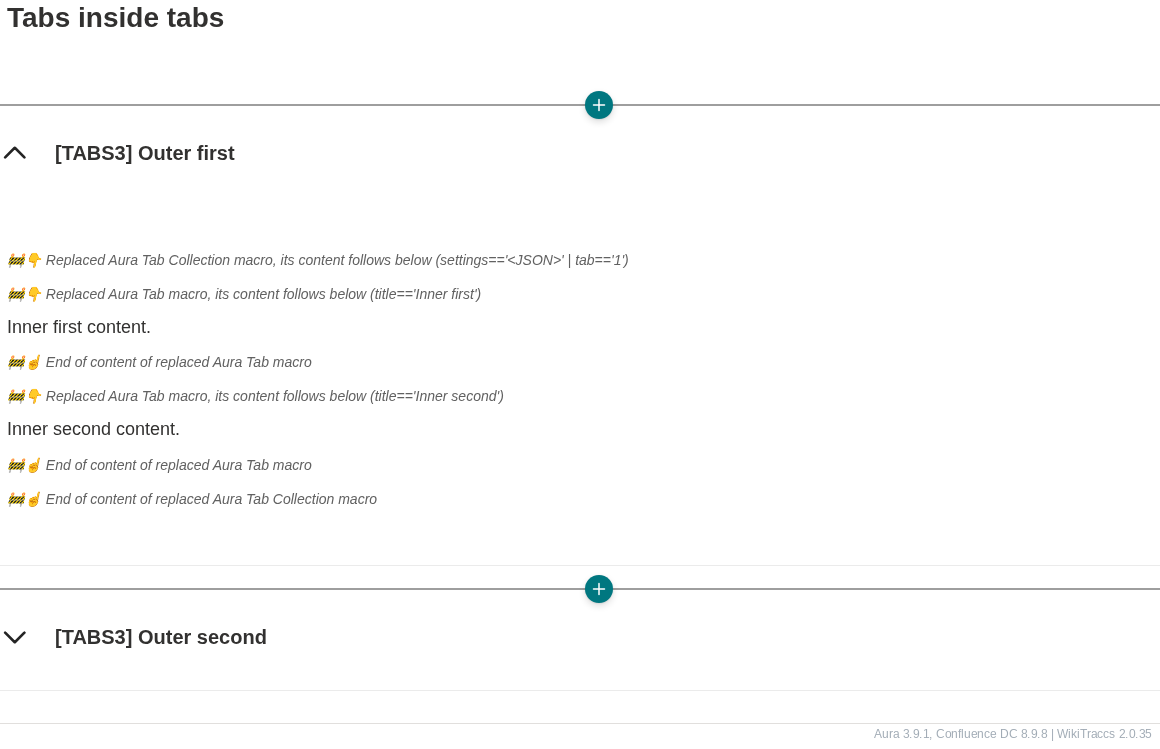
Nested tabs
SharePoint uses collapsible sections for the outer tabs. The nested tab content appears in reading order with migration notes.
Internal name aura-tab-collection, aura-tab, tested on Confluence Data Center 8.9.8
Public Cloud demos
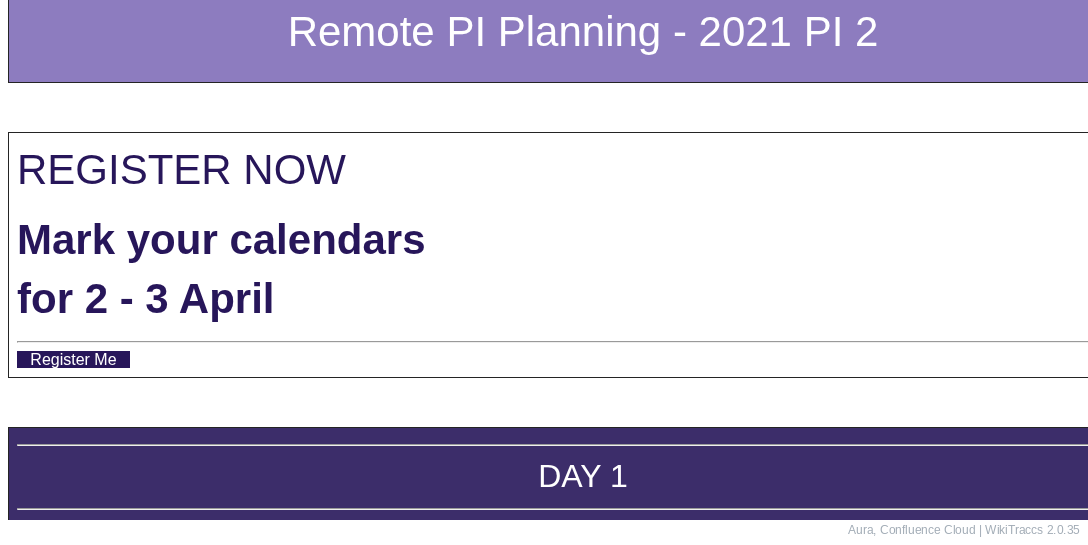
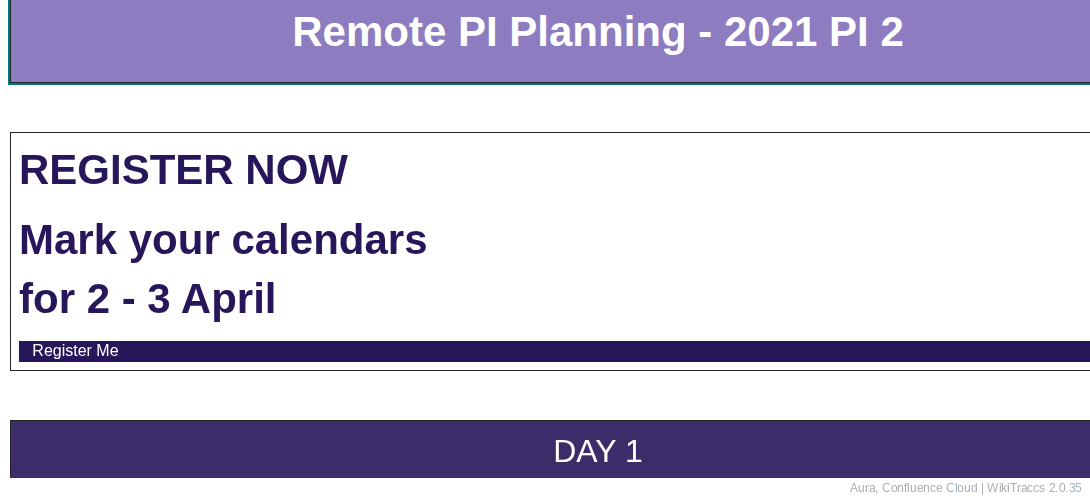
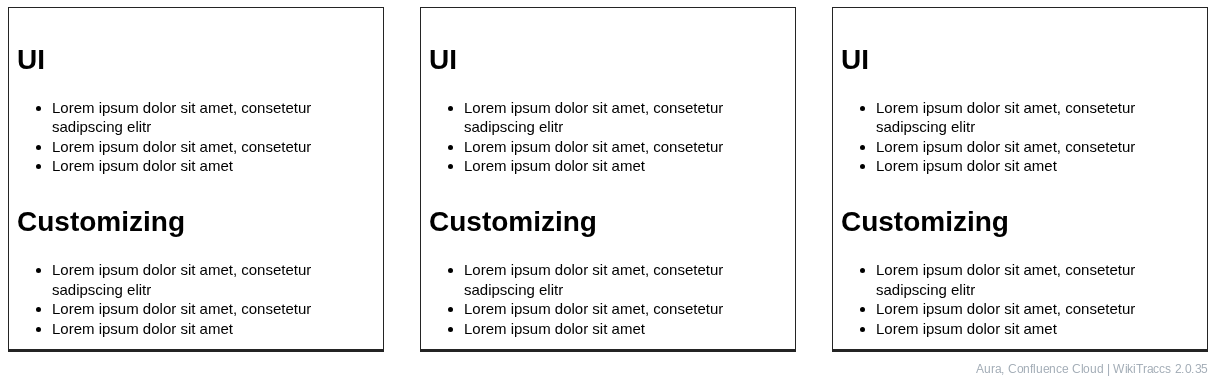
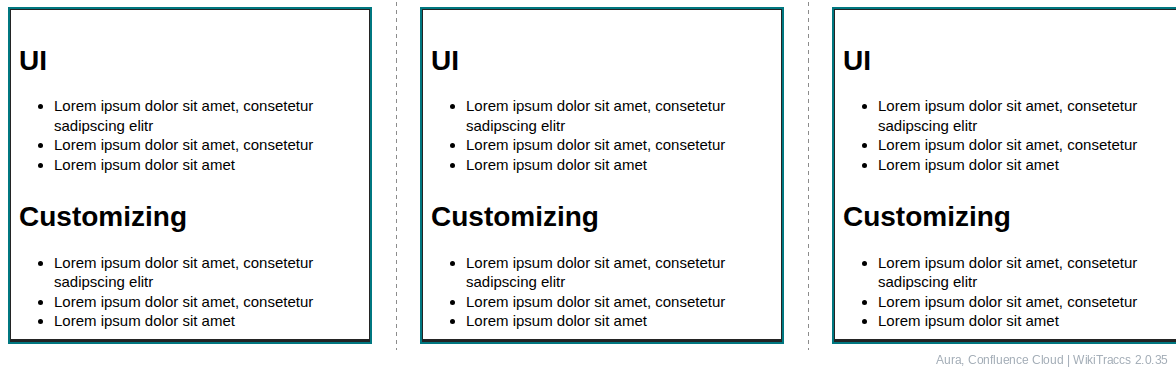
Appanvil’s public vendor demos supply the stored macros. The interactive content is unavailable in the anonymous Confluence view. The images show the migrated SharePoint view and editor. The public instance does not report its app version.
Event layout
Internal name aura-background-image, aura-cards, aura-pretty-title, tested on Confluence Cloud, public demo
Panel columns
Internal name aura-panel, aura-pretty-title, tested on Confluence Cloud, public demo
Tab group
Internal name aura-tab-collection, aura-tab, tested on Confluence Cloud, public demo

