Viewing the WikiPakk License Key
How to see the valid license key that WikiPakk currently uses?
You may look up your current WikiPakk license key where you put it in the first place, or you use the following shortcut.
In the WikiPakk page tree panel header, open Page tree options (…) and choose Help, updates and tools, marked with a question mark (?).
Alternatively, click the question mark button below the tree (older versions have it too):
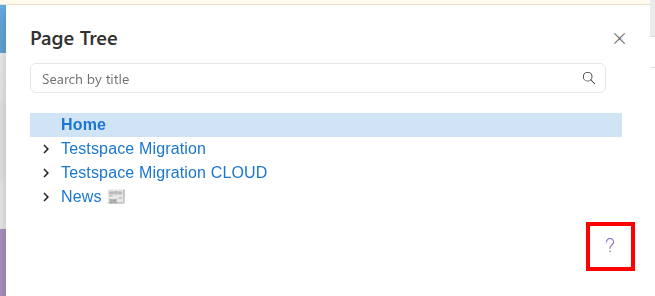
A dialog opens.
Click License Key Refresh to expand it:
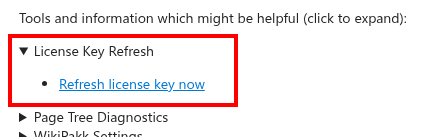
Click Refresh license key now.
This shows your current license key:
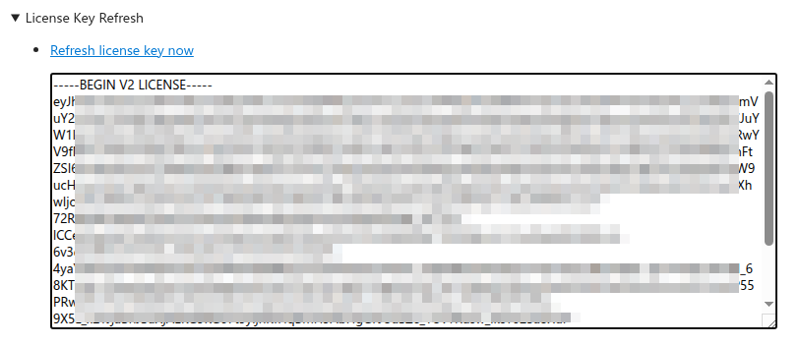
Note that this does only work for valid license keys.
Last modified November 5, 2026