You may look up your current WikiPakk license key where you put it in the first place, or you use the following shortcut.
In the WikiPakk page tree panel, click the question mark link button:
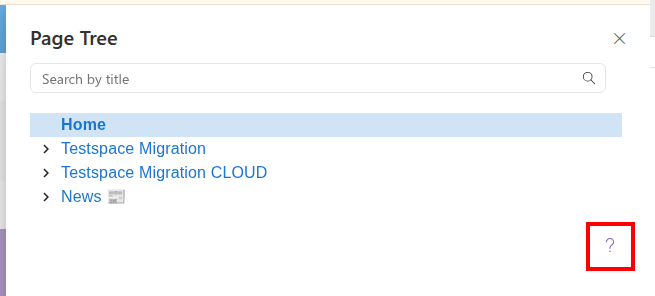
A dialog opens.
Click License Key Refresh to expand it:
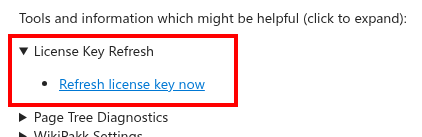
Click Refresh license key now.
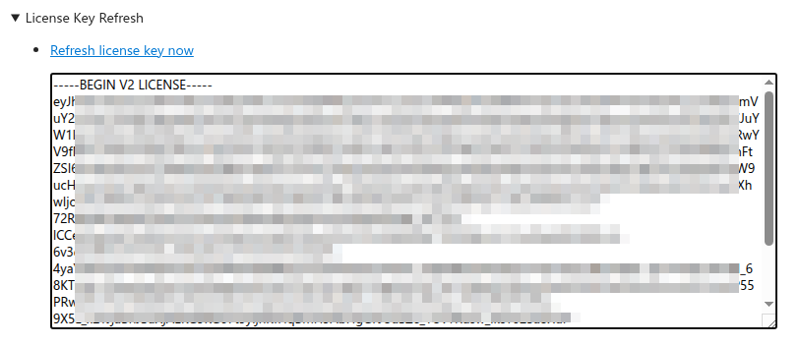
This shows your current license key:
Note that this does only work for valid license keys.